
Contact Us
Laser Source Maintenance in Hot and Humid Weather: Prevent Condensation and Overheating
Hot and humid weather can reduce the reliability of an industrial laser long before a visible alarm appears. The most serious summer risk is condensation: when the laser source, optical path or cooling circuit is colder than the surrounding air's dew point, water can collect on metal surfaces, circuit boards and optical components. The result may be unstable output, corrosion, short circuits or expensive optical damage.
This preventive-maintenance guide is based on field materials supplied to Zixu Chuke (子旭初刻). It applies to laser marking, laser cleaning and laser welding equipment, but it does not replace the laser-source, chiller or machine manufacturer's manual. Temperature setpoints and internal service procedures must always be confirmed for the exact model.
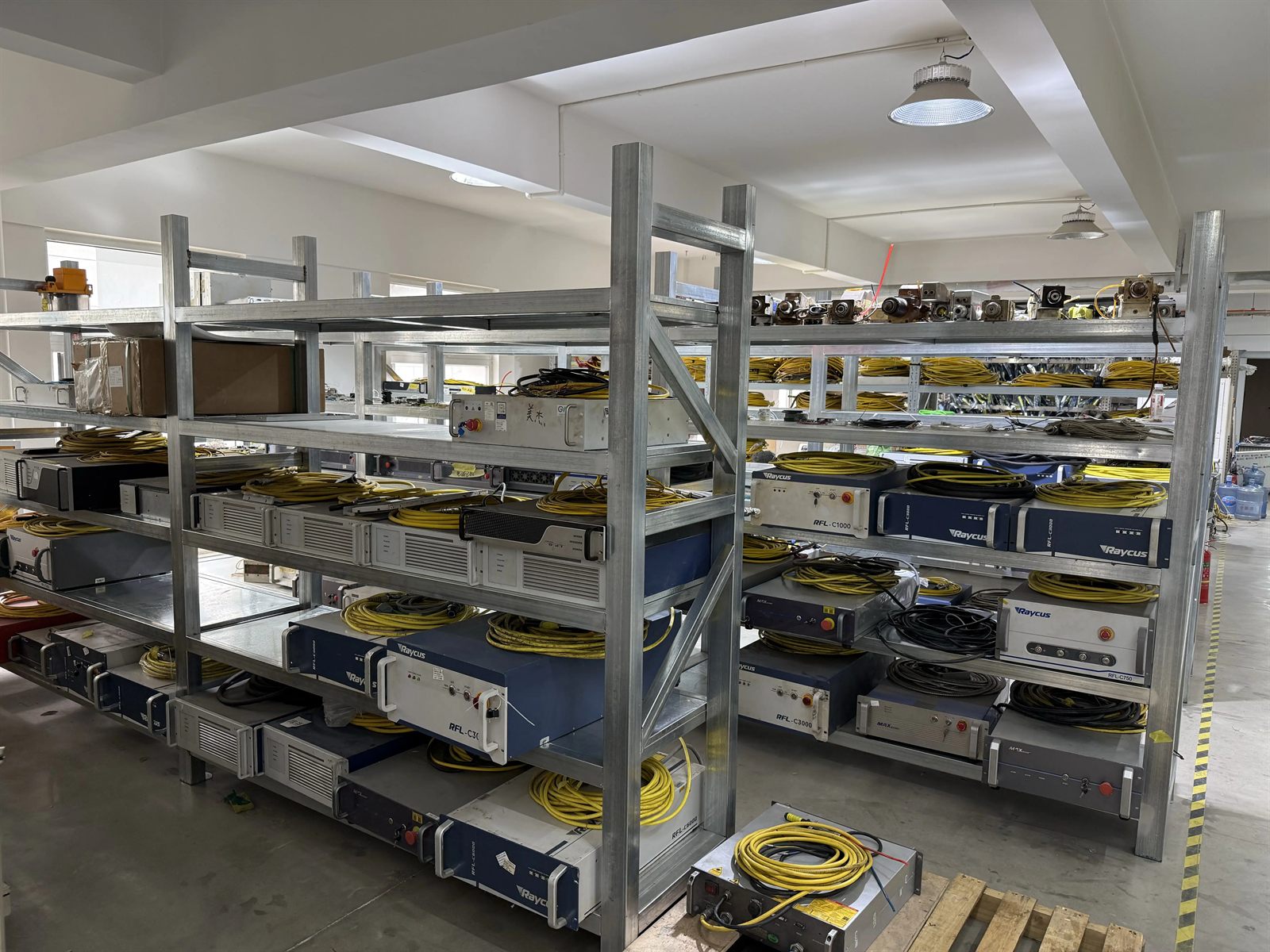
Why Condensation Is the First Summer Risk to Control
Warm air can hold more water vapor than cool air. When humid air touches a surface below its dew point, moisture condenses. A laser source connected to overly cold circulating water can therefore behave like a cold collector inside a warm workshop. The risk rises after shutdown because the laser stops generating heat while the chiller may continue cooling it.
Critical shutdown rule: follow the approved shutdown sequence and stop the chiller together with the laser unless the equipment manufacturer specifies another controlled sequence. Do not leave chilled water circulating overnight through an unpowered laser source merely because the ambient temperature is high.
Control Dew Point Before Changing Chiller Setpoints
Do not lower the chiller temperature simply because the workshop feels hot. A lower water temperature can increase condensation risk. Use a temperature and humidity meter to understand the actual environment, calculate or read the dew point, and keep cooling circuits above it with a safe margin required by the equipment manufacturer.
| Control item | Reference from the supplied maintenance material | Operating decision |
|---|---|---|
| Workshop temperature | 15-35 C | Keep within the machine manual and avoid rapid temperature swings. |
| Relative humidity | 40%-60% | Use air conditioning or dehumidification when the room exceeds the recommended range. |
| General cooling water | About 20-25 C | Treat this as a reference only; the model manual and measured dew point control the final setpoint. |
| Deionized optical-cooling water | About 27-33 C | Keep above dew point and use the source manufacturer's specified quality and temperature range. |
Place laser equipment in an air-conditioned room where practical. Dehumidification mode is often more useful than aggressive cooling because it reduces moisture without creating an unnecessarily cold machine surface. Avoid opening cabinets immediately after moving a cold unit into a warm, humid space; allow temperatures to equalize under the approved procedure.
What to Do If Condensation Is Found
- Stop operation safely. Do not continue marking, cleaning or welding while moisture is present.
- Isolate power according to the machine procedure. Internal electronics must not be energized while wet.
- Remove accessible surface moisture carefully. Use clean, lint-free materials and do not touch coated optics.
- Ventilate and dry the equipment. Use a controlled, clean and dry environment; do not apply uncontrolled high heat.
- Inspect before restart. Qualified service personnel should check affected electronics, connectors and optics when moisture may have entered the source or cabinet.
Water-Cooled Laser Maintenance
- Maintain water quality: use the cooling-water type specified by the manufacturer. The supplied guidance recommends deionized or distilled water where applicable.
- Set a model-specific replacement interval: source materials mention intervals from one week to three months depending on the system and duty. Do not apply one interval to every laser.
- Clean heat-exchange surfaces: remove dust from the chiller filter and condenser so inlet and outlet airflow remain unobstructed.
- Inspect hoses and joints: look for leakage, softening, kinks, loose fittings and reduced flow.
- Review alarms and flow: repeated high-temperature or low-flow alarms are faults to investigate, not messages to reset and ignore.
Air-Cooled Laser Maintenance
Air-cooled sources depend on clean airflow. Confirm that every fan starts normally, air passages are open and heatsinks are not blanketed with dust. A fan can rotate yet still deliver inadequate airflow because of a blocked filter, damaged bearing or incorrect direction after service. Increase inspection frequency during hot weather and in dusty production areas.
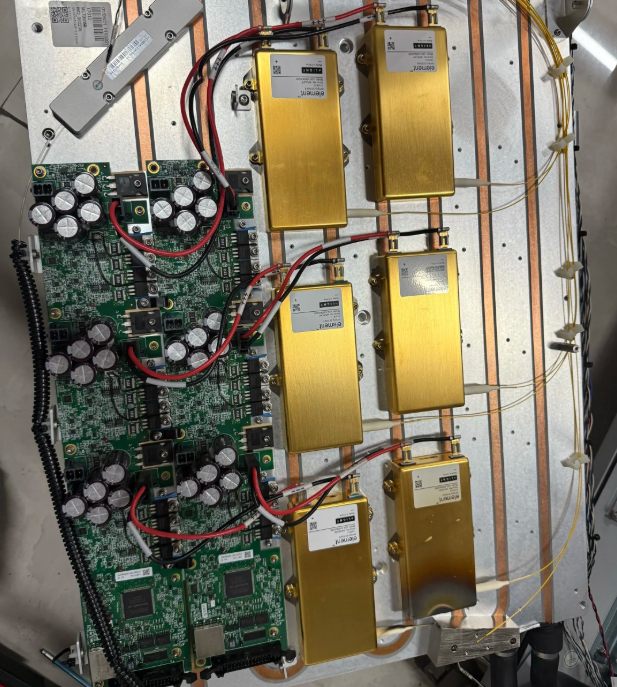
Protect Optical and Electrical Systems
Humidity makes dust adhere more easily to protective windows and lens surfaces. Inspect the laser output head, protective window and focus optics at the interval specified for the process. Clean only accessible service optics with approved tools, lint-free swabs and the manufacturer-recommended solvent. Wipe in one controlled direction and never scrub a coated surface back and forth.
Keep cabinet doors closed and unused connectors capped. External cabinet dust can be removed using a vacuum or another manufacturer-approved method. Internal cleaning, board inspection and optical alignment should be assigned to trained service personnel. Uncontrolled compressed air can drive contamination into connectors or optics and can generate static risk.
Summer thunderstorms also increase electrical risk. Confirm protective earth and surge/lightning protection against the machine manual and local electrical code. The supplied field material cites a grounding resistance of no more than 4 ohms as a general reference, but the applicable installation standard and site engineer determine the acceptance value.
Machine-Specific Summer Checks
Laser Marking Machines
Watch source and scanner temperature during continuous production, keep cabinet ventilation clear and plan reasonable pauses if the model duty cycle requires them. When the room temperature rises above about 30 C, improve air conditioning or ventilation rather than reducing the chiller setpoint below a safe dew-point margin. Review Zixu Chuke's laser marking machine solutions for enclosed, desktop and integrated formats.
Laser Cleaning Machines
Protect the fiber connector and output head from dust, impact and moisture. Outdoor work needs shade, dry storage and controlled setup; direct sun can heat the equipment and make temperature control less stable. Inspect the protective window and extraction path more frequently when removing paint, rust or oil. See the laser cleaning machine range.
Laser Welding Machines
Welding spatter and smoke increase protective-lens contamination, so shorten inspection intervals when production is heavy. Check chiller flow, shielding-gas lines, output-head protection and cable condition. YAG systems and other cavity-based equipment require particular attention to condensation around the laser cavity and crystal. See Zixu Chuke's laser welding machine solutions.
Recommended Summer Maintenance Rhythm
| Frequency | Recommended checks |
|---|---|
| Every shift | Record room temperature and humidity; inspect for condensation, leaks, abnormal alarms and blocked airflow. |
| Weekly | Check coolant level and hose joints; clean accessible fan filters; inspect protective optics and cable condition. |
| Monthly or model interval | Review water quality and replacement need; inspect cooling efficiency; perform approved optical-path and output checks. |
| Before long storage | Clean and dry the machine, protect it from dust, use suitable desiccant where permitted and follow the manufacturer's storage/power-up procedure. |
Zixu Chuke Support for Laser Equipment
Zixu Chuke (子旭初刻), the industrial marking and laser-equipment team behind CNMarking, supplies laser marking, laser cleaning, laser welding and permanent-marking solutions for manufacturing customers. Our application-oriented support starts with the real material, working environment, duty cycle and acceptance requirement rather than a generic power recommendation.
If a laser source shows condensation, repeated high-temperature alarms, unstable output or cooling faults, stop production and document the environment, alarm code, source model, chiller model and operating sequence. Contact Zixu Chuke with photos and equipment details for a maintenance or replacement-path review.
Frequently Asked Questions
What is the biggest laser-source risk in hot and humid weather?
Condensation is the primary risk. It forms when a laser source or optical component is colder than the surrounding air dew point, allowing moisture to collect on surfaces and potentially damage electronics or optics.
Should the chiller keep running after the laser is shut down?
No. Follow the equipment shutdown sequence and stop the chiller with the laser unless the manufacturer specifies another controlled procedure. Leaving cold water circulating through an unpowered source can increase condensation risk.
What cooling-water temperature should be used in summer?
Use the value specified by the laser and chiller manufacturers and keep it above the actual dew point. The supplied maintenance guidance uses about 20-25 C for cooling water and 27-33 C for deionized optical-cooling circuits as general references, not universal setpoints.
Can operators open and clean the inside of a laser source?
Internal service should be performed only by qualified personnel following the manufacturer procedure. Operators can maintain external filters, ventilation paths and accessible protective windows, but uncontrolled compressed air or contact with internal optics can cause damage.
How should a laser system be stored for more than one week?
Clean and dry the equipment, cover it against dust, use suitable desiccant where permitted, and follow the manufacturer storage procedure. The supplied guidance also recommends periodic controlled power-up to drive off moisture, but the exact interval must match the equipment manual.